Early Development
This coursework tasked us with choosing a game genre or type
and designing and developing a video game prototype. While my game was
originally based off the traditional multiplayer shooter genre, it eventually
evolved into a game that mixes the timed goals of racing with elements from
shooting games, such as a third/first-person perspective and a weapon that can
be used to attack other players.
The original concept for my game prototype was a multiplayer
1 vs 1 first person shooter that took heavy inspiration from arena shooters
like Unreal Tournament and Quake. After a few concepts around this idea, I
decided to try something that isn’t just a shooting game, something I thought
would be fun. Taking from my time playing Team Fortress 2, a game notorious for
the player’s ability to launch themselves high into the air using the game’s
rocket launcher being fired at their feet, I decided to explore ideas of a game
prototype based around that gameplay.
For a while in development, this game was about reaching the
top of the level, with falling platforms too, hence the height counter on the
FPS UI, eventually this idea was dropped and I opted to go for a more
traditional approach to rocket-jumping level design.
Taking from its inspirations, my project, simply titled
‘Missile Arena’ was played from a First-Person perspective for quite some time
during its initial development. Once I began work on the third person
animations I make the default perspective third person for testing, with the
intention of letting the player swap between the two perspectives via a key
press. This was never fully implemented and the first person and third person
methods of playing the game exist in the game as two separate character
blueprints, with only the third person player character being accessible
normally.
Online networking was always planned since the first
concepts of the game, and a large amount of coding was required to get it
working. Online services for the game are provided by the Steamworks SDK Unreal
Engine 4 plugin, and work flawlessly in the game provided you have a Steam
account logged in on the computer you are using. Another stipulation with this
being an unpublished Steam game is that only people in the same continent as
you can play with you, meaning I was unable to test the connection with players
from other continents.
Initial Concepts


Originally, I wanted to put a lot more emphasis on player
movement with air-dashing, wall jump and ledge climbing mechanics. When I
implemented the first version of air-dashing I had not learned how to properly
code for multiplayer, as such the way I coded the mechanic wasn’t functional in
a multiplayer environment. I decided to cut this mechanic and to fully focus on
ensuring multiplayer was coded properly. With the shift from a simple 1 vs 1
arena game to a rocket-jumping multiplayer game, I decided not to use
development time on implementing wall-jumping and ledge climbing as the
player’s missiles can be used for the exact same purpose.
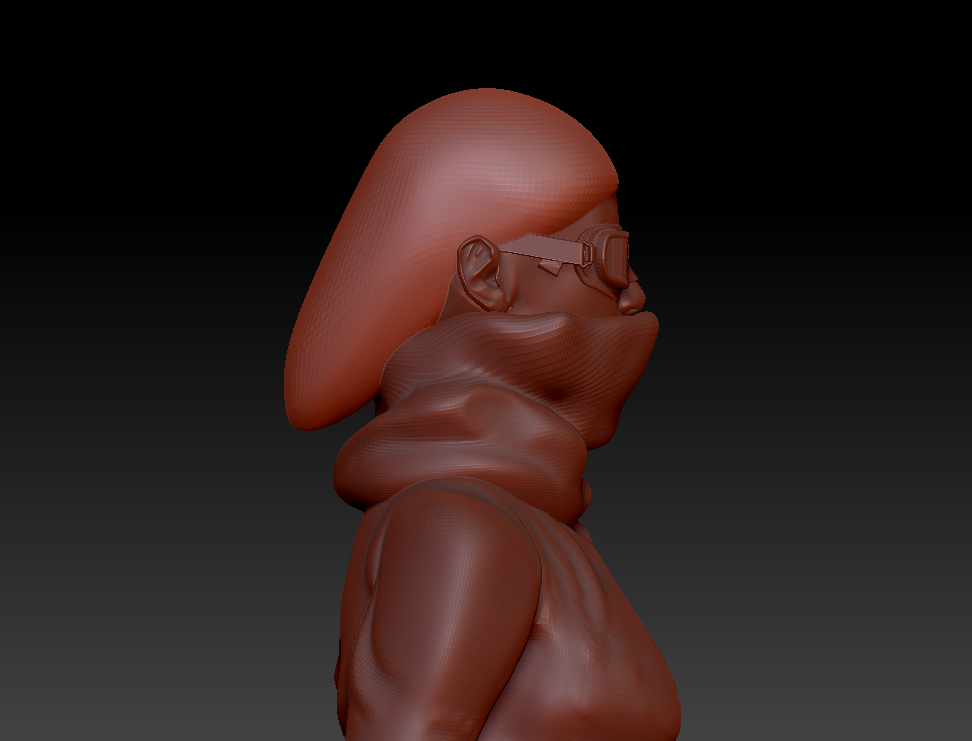
The page also features the only concept art of a character
model that didn’t make it into the prototype as I decided to focus on gameplay
and networking systems instead of visual assets. The UI on the launcher was
implemented before the game switched to a third person perspective. Also
visible are two ideas for power ups which, again, are remnants of the original
concept of the game.

 |
Concept art for a
test map when the focus of the game was still a 1 on 1 arena FPS.
|


Blueprints
This prototype is the product of hundreds of nodes of
coding, as such I will show the most important blueprints.
GameInfoInstance
– Contains the logic behind managing the multiple menus of the game, checking
for save data and starting servers and joining them.

PlayerInfo –
Contains all the variables for the player which is used for various parts of
the game.

GameplayGM –
Handles respawning and connecting and disconnecting players.

GameplayPC –
Handles the players lap and time data and also loads player info to Serverside
Player Controller.

Animation
Despite the game originally starting off as a first-person game, it was always intended to be a multiplayer game, so representing players over a network correctly was important. My initial work on animation started with the basic player movement animations such as the idle, running and jumping animations. Animated .gifs of most of these animations can be found in the Animation folder.
Despite the game originally starting off as a first-person game, it was always intended to be a multiplayer game, so representing players over a network correctly was important. My initial work on animation started with the basic player movement animations such as the idle, running and jumping animations. Animated .gifs of most of these animations can be found in the Animation folder.
As you can see in videos at the bottom of this page, this process
took quite some time as I tried multiple methods of simulating and replicating
each player’s aim across a network. Originally the aim offset was handled in
the character blueprint, but this didn’t replicate to other clients properly. After
countless google searches I managed to find the solution I needed and instead
handled aim offsets via the animation blueprint, an aimoffset asset and
aimoffset poses.
 |
In total 15 aim
offset poses were created, making sure to closely match them to where the
player’s missile should be shooting towards at that angle
|
 |
| The animations used by the player character and the character blueprint |
 |
The animation
blueprint Event Graph, with nodes that are used to get the player’s aim
direction and use it in the animation blueprint to apply an aimoffset to the
animation. You can see unused nodes commented with ‘AimOffset180’, nodes which
were used when I only had the first set aim offset poses finished that provided
a total of 180 degrees of aim offset. Now there are poses for looking back, the
player’s aim is represented at all angles.
|
 |
The third person
character’s animation blueprint, with aimoffset blending added to the basic
movement to produce the end result.
|
Research
A lot of research was done during the course of this project,
from countless Youtube videos, to Epic’s multi-hour video tutorials and crash
courses on networking and animation systems. Many times, I would have to visit
the Unreal forums, Unreal Documentation or Unreal Answers for small things such
as properly implementing aimoffsets, and especially for high-importance
problems like networking the various elements of the game. A lot of the things
present in this game prototype are thanks to countless hours in total spent
studying different ways people implement similar mechanics, and following
Epic’s comprehensive documentation.
I spent a lot of time studying what made arena shooter games
fun, from their movement mechanics to how weapons handled. While this comes
mostly from the initial ideas of this project when it was a competitive
shooter, things like enjoyable movement mechanics still apply. Numerous tweaks were made to things like the player character's max speed, acceleration and jump height to test out different ideas and see what felt good to play with. In the prototype the player moves a lot faster than they did at first, this is to make up for the removal of the dash mechanic and allow the player to traverse further horizontal distances.
As mentioned earlier, the biggest influences for these tweaks were Team Fortress 2, Unreal Tournament and Quake, games notorious for their use of rocket jumping. Rocket jumping is a great example of emergent gameplay, being that it was never an intentional aspect of Quake and Unreal Tournament, but it became so popular and useful that it changed the way Quake was played forever. Team Fortress originated as a Quake mod and rocket jumping was just as prevalent there as it is now. It's hard to recreate something like this for a prototype so the my implementation of rocket jumping is comparatively simple and streamlined, but it still allows for the vast range of movement it gives in the games that inspire it, such as launching yourself from wall to wall and climbing walls with explosions.
For this project I spent a lot of time playing ‘jump maps’ in Team Fortress 2 to see how level designers handled these mechanics, and common level design elements used in those maps. The maps varied greatly in difficulty, complexity and size, and showed how something as simple as firing an explosive at your feet to propel you can open up thousands of different challenges to overcome. While rocket jumping has always been a large part of games like Quake and Unreal Tournament, the sheer quantity of maps creating for such a simple yet fun mechanic shows that there is enjoyment to be had in the mechanical challenge maps such as these present. Numerous parts of the prototype map are based off various elements of these maps. An example of this is this area:


As mentioned earlier, the biggest influences for these tweaks were Team Fortress 2, Unreal Tournament and Quake, games notorious for their use of rocket jumping. Rocket jumping is a great example of emergent gameplay, being that it was never an intentional aspect of Quake and Unreal Tournament, but it became so popular and useful that it changed the way Quake was played forever. Team Fortress originated as a Quake mod and rocket jumping was just as prevalent there as it is now. It's hard to recreate something like this for a prototype so the my implementation of rocket jumping is comparatively simple and streamlined, but it still allows for the vast range of movement it gives in the games that inspire it, such as launching yourself from wall to wall and climbing walls with explosions.
For this project I spent a lot of time playing ‘jump maps’ in Team Fortress 2 to see how level designers handled these mechanics, and common level design elements used in those maps. The maps varied greatly in difficulty, complexity and size, and showed how something as simple as firing an explosive at your feet to propel you can open up thousands of different challenges to overcome. While rocket jumping has always been a large part of games like Quake and Unreal Tournament, the sheer quantity of maps creating for such a simple yet fun mechanic shows that there is enjoyment to be had in the mechanical challenge maps such as these present. Numerous parts of the prototype map are based off various elements of these maps. An example of this is this area:

The 2nd wall requires multiple chained rocket jumps up the wall to advance. These are very common in Team Fortress 2 jump maps and test the player's timing and knowledge of where to aim to launch themselves up effectively. It's far more lenient in this game due to no ammunition restrictions and the wall being rather small, just serving as a tutorial to the concept of chaining jumps.

This tight-rope area is based off of 'obstacle course' maps that were very common in older games with publicly available level editors. Obstacle course maps were very common in the original Red Faction video game on PC, and I used my knowledge from spending a lot of time on them when I played it to bring elements from them into this map.
Media
Videos of the project at various stages of development.
Evaluation
This project had a focus on networking, gameplay systems and animation.
Networking each players character properly and bringing their save data into
matches was a very important and a lot of time was spent working on these
networking features. Thankfully after a lot of time studying tutorials and
Unreal Engine 4 Wiki pages, the networking features work without a problem as
far as I know, and all the systems relating to networking and gameplay function
and have room for expansion if I wanted to continue working on this prototype.
An example of this are the player customisation options, which was created in a
way that means I can easily flesh out the feature after this prototype.
As this project was about creating a prototype, I made sure to implement everything that is crucial to the game, with most non-essential assets taking less priority. An example of this is how in the final prototype the level lacks polish and unique assets as these are less of a priority for my focus than ensuring the networking works flawlessly and the objective of the game functions. Despite this, some mechanics are implemented rather poorly to get them in the final prototype in time. An example of this is the timer and respawn systems. Instead of respawning being handled automatically, it is only done once the player is dead and they press the R key, and restarting the level/time can only be done once the final checkpoint is reached and the player kills their character. Situations like this are because of my poor time management and are featured in the prototype in the bare minimum way they needed to work. Had I more time I would have properly integrated these mechanics in a way that is a lot more user-friendly and makes sense.
Animation was the strongest focus of this project, I learned a lot about animating for Unreal Engine 4 and aim-offsets, and after becoming familiar with the workflow, creating animations for the game became immensely simple, effective and quick, especially when compared to older game engines like the Source Engine. The animations for both the first person and third person characters turned out how I hoped, with the exception of the new jump animation which, while more dynamic than the original, looks very awkward. I would like to come back to these animations and further improve them and ensure they show a consistent quality.
Had I more time or a second chance, I would have managed my time properly and ensured I met my original goals for the game, such as the use of more refined assets for the levels and an original character model. I would have also had more time to try and fix the bug that caused an issue with mouse problems when using the menus and starting the game. This problem came about too late into development and with little time left I was forced to package two executables of the game, one that starts the game from the main menu, and one that starts the game from the main level. With more time, I could create more levels with more interesting challenges of various difficulties instead of the one short level currently in the prototype.
Ultimately, I stand by my decision to fundamentally change
the objective of the game and I feel that it was a good decision for making a
more unique and interesting experience, instead of just another first-person
arena shooter. I also feel like this really challenged me to think of how to
design levels for such a different kind of gameplay style, and I learned a lot
while trying to implement the many things that comprise this prototype, from
networking, UI design, save data and player character mechanics, and using all
these to communicate data that will be shared across them. I developed invaluable knowledge of Unreal Engine 4, and the methods of creating systems, networking and integrating animation from the various methods of research I conducted over the course of this project and I feel as though that despite the problems that appeared in the final moments of development, I produced a solid, but definitely open to improvement, prototype.